

Features
All-in-One Platform for Seamless Operations
Leverage cutting-edge artificial intelligence to automate, optimize, and scale your business—no coding required.


Supported by Leading Innovators & Impact Partners



.webp)

Solutions
How Swishvo Works for Providers
A simple, AI-powered workflow that helps you understand each person's needs, deliver whole-person care, and grow your practice sustainably.

A person will complete an evidence-based assessment (FICA/HOPE/SPIRIT). You instantly receive a structured profile highlighting their needs, strengths, and care opportunities.

Swishvo organizes assessment results into a structured summary so you have context before your first session.

You deliver care aligned with your training and expertise: grief support, meaning-making conversations, counseling, breathwork, spiritual care, or whatever your practice offers.
Results
And the results...
6
2
0
4
6
5
2
7
4
57
%
2
6
0
3
7
9
2
8
4
lower odds of postpartum
depression
depression
6
4
4
6
7
2
5
0
2
≤ $58.4M
potential annual savings in one regional Medicaid study
expanded
workforce capacity
Features
Financial Growth with Sincra
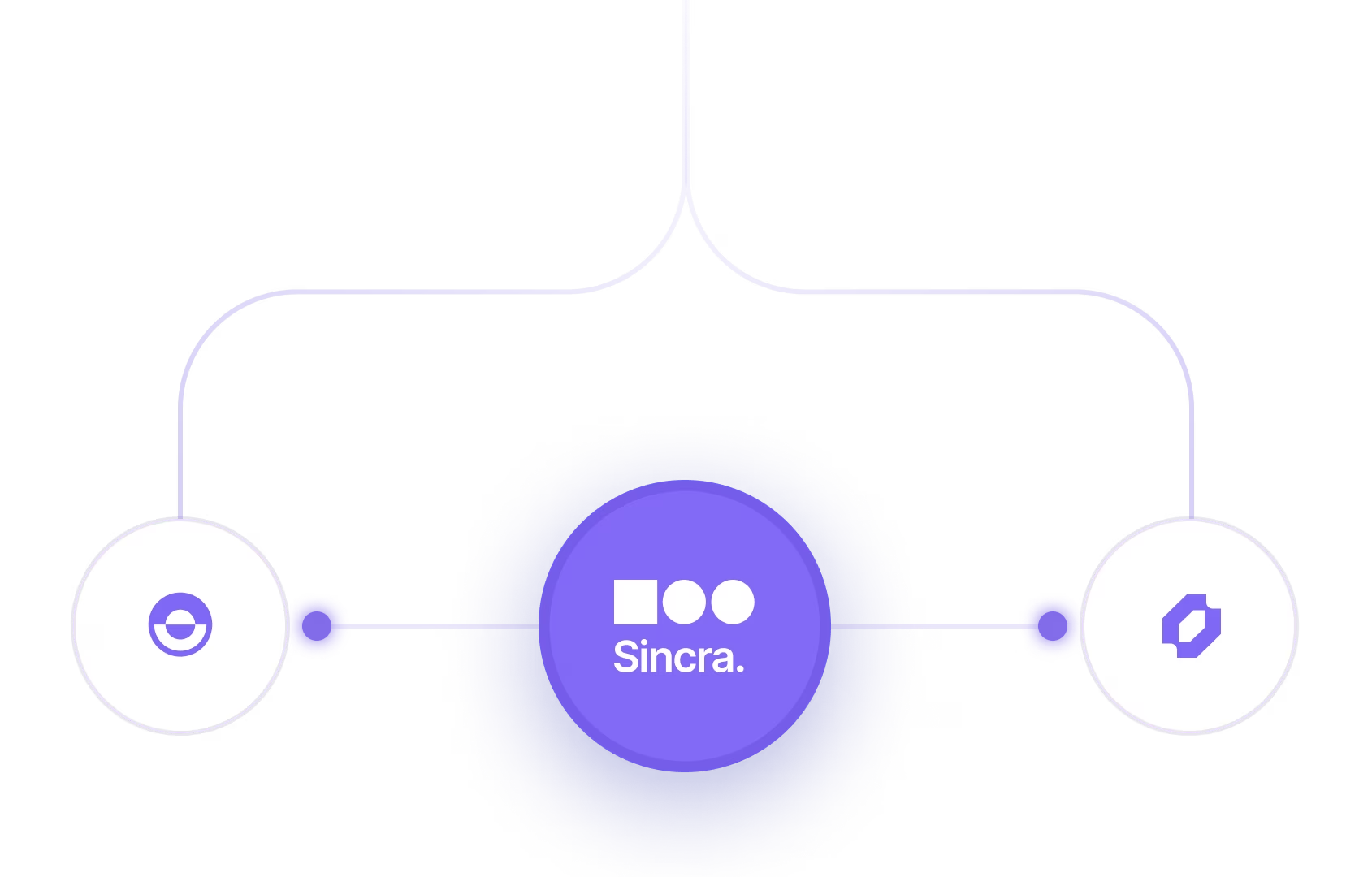
Our platform is designed with seamless integration in mind, allowing you to connect it to your favorite apps.
Wide Integration Support
Connect with your favorite tools effortlessly. Our platform supports a broad range of integrations—CRM, payment.


Secure Cloud Storage
Your data is protected with enterprise-grade cloud security. Enjoy reliable, encrypted storage that ensures your files.
Scalable as you grow
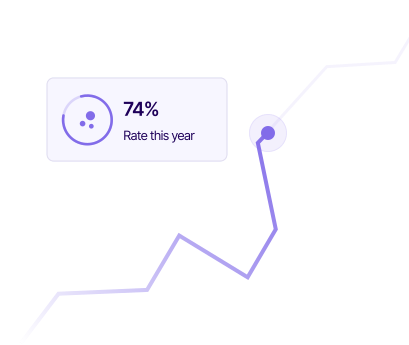
Whether you're a startup or scaling enterprise, our platform grows with you.
Instant Transfer
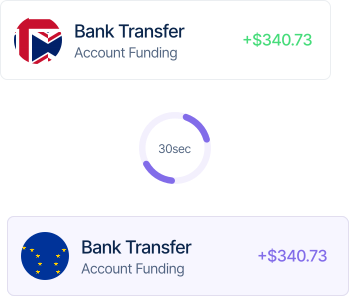
Experience real-time fund transfers with zero delays. Whether you're sending or receiving.
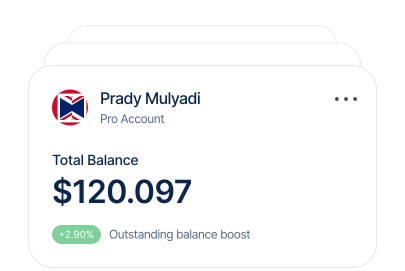
Manage Your Card
Take full control of your business or personal cards, from real-time spending insights.
FAQ’s
Everything You Need to Know, All in One Place
Discover quick and comprehensive answers to common questions about our platform, services, and features.
How do I set up my payment app?
Download the app, create an account, and follow the guided setup. Add your payment method, verify your identity, and you’re ready to start.
What payments can I make?
We sure do. Our support team is available 24/7 via email and live chat. We also have a knowledge base with tutorials and guides.
Are there spending limits?
Yes, spending limits vary based on your account type and verification status. You can view or request higher limits in your account settings.
How do I manage payment methods?
Go to your account settings and select “Payment Methods.” From there, you can add, remove, or update cards and bank accounts easily.
How do I dispute a payment?
To dispute a payment, navigate to the transaction in your history, tap “Report a Problem,” and follow the steps.
Let’s Connect with Us
Efficiency and Boost Revenue with AI-Driven Sales Tactics.
Discover quick and comprehensive answers to common questions about our platform

Copyright © Swishvo. All rights reserved.

Back to top